Channels and ticketing
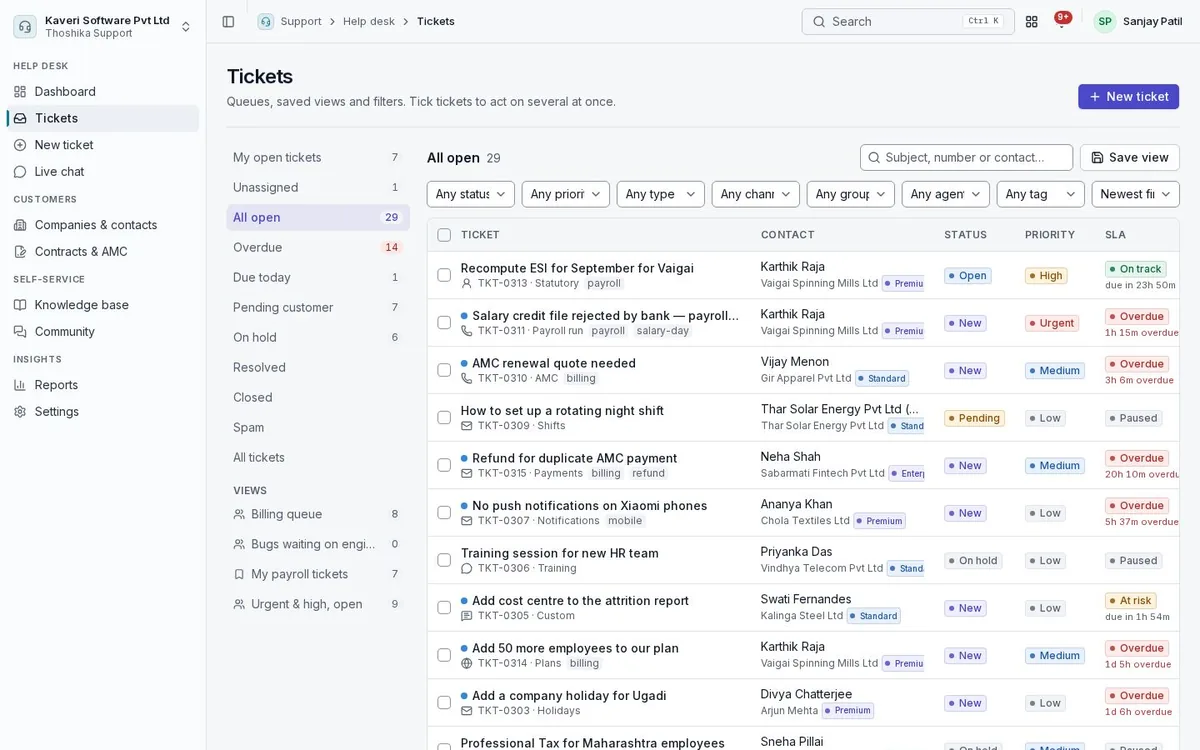
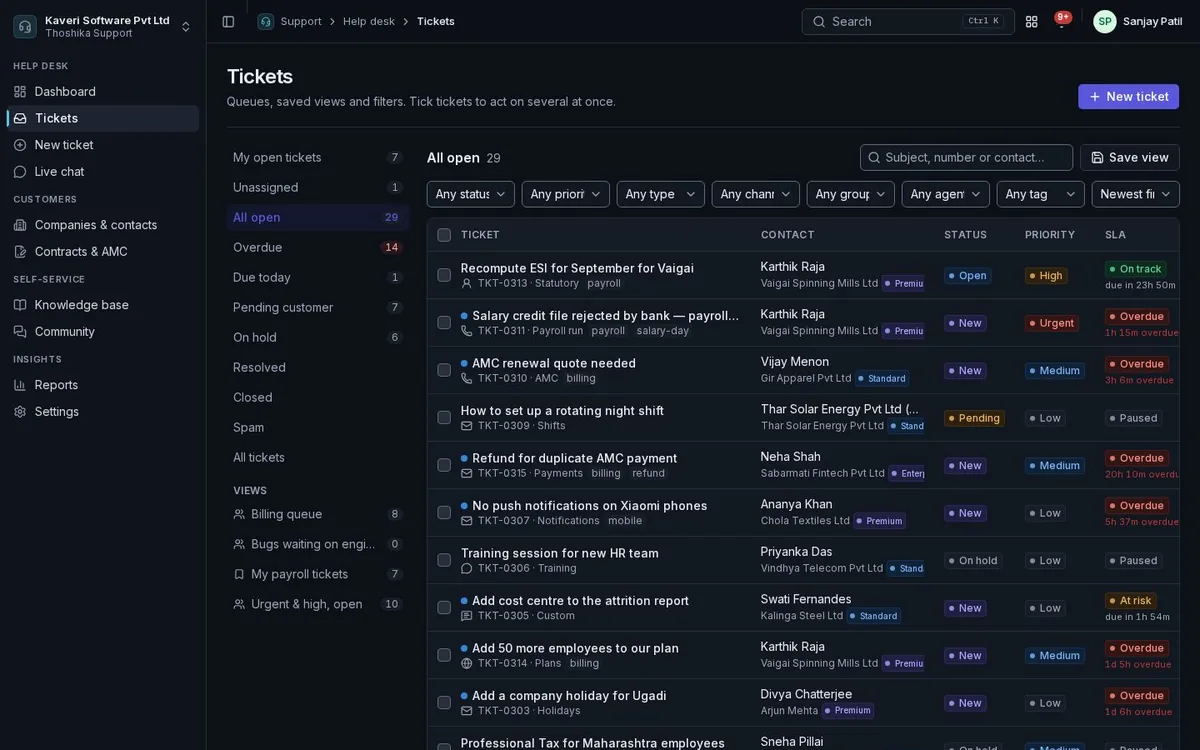
Bring every customer request into one queue, whichever way it arrives, and keep conversations threaded.
- Inbound email address per brand, with threading, attachments and loop protection
- Hosted web form and embeddable widget with help search, chat and a contact form
- Live chat console; missed or finished chats become tickets
- Phone, WhatsApp and walk-in requests logged by agents, with click-to-chat links
- Merge, split, link, parent-child tickets, custom fields and ticket forms per type
Routing and agent productivity
Assign tickets to the right group and agent automatically, and give agents tools to answer quickly without stepping on each other.
- Groups with manual, round-robin, load-based or skill-based assignment
- Availability that respects People leave, weekly offs and shifts
- Macros, canned responses with placeholders, and canned forms
- Collision warnings when someone else is viewing or replying
- Internal notes with mentions, side conversations with third parties, and time logs
SLAs and automation
Set response and resolution targets that run on your business calendar and escalate before they are missed.
- SLA policies by customer tier, company, group, type or channel
- Business hours with holidays from the People calendar of a state or location
- Clock pauses while waiting on the customer or a third party
- Reminders at 75 percent, breach alerts and a second escalation level
- Event and time-based automation rules, blueprints for guided processes, and webhooks
Knowledge base, help centre and community
Publish answers so customers can help themselves, and suggest them to agents while they work.
- Articles with versions, review and approval before publishing
- Branded public help centre per brand, with search
- Article translations per language with a language switcher
- Article suggestions while customers type, and similar resolved tickets for agents
- Community topics with questions, ideas, votes and accepted answers
Customers, contracts and the portal
Know who you are helping and what they are entitled to, and let them follow their tickets online.
- Companies and contacts linked to CRM accounts or Books customers
- AMC, support plan and warranty contracts with ticket and hour allowances
- Raise AMC invoices through Books, or detect them from posted invoices
- Outstanding Books invoices shown beside billing tickets
- Customer portal for raising, tracking, replying to and rating tickets
Reports and surveys
Measure volume, speed and satisfaction, and share the numbers on a schedule.
- Dashboards for backlog, first response, resolution and SLA compliance
- CSAT after resolution and a quarterly NPS survey
- Agent, category, knowledge base and contract reports
- Report builder with dashboard pins and scheduled CSV emails