Thoshika on Android and iOS
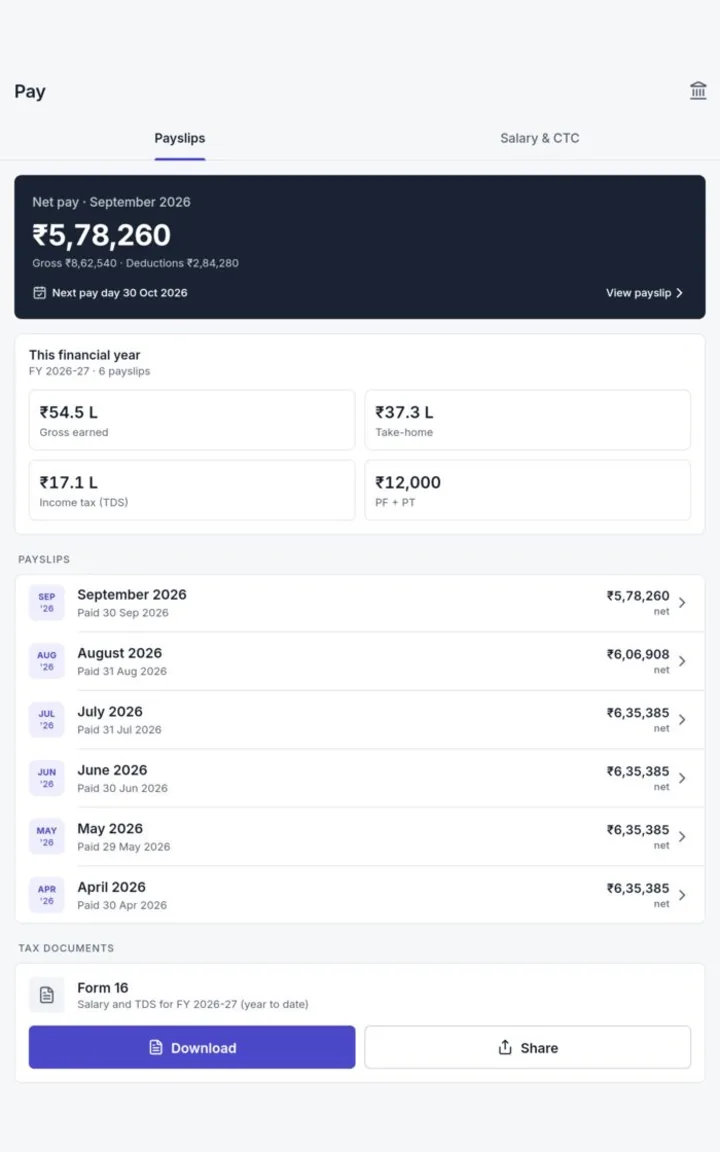
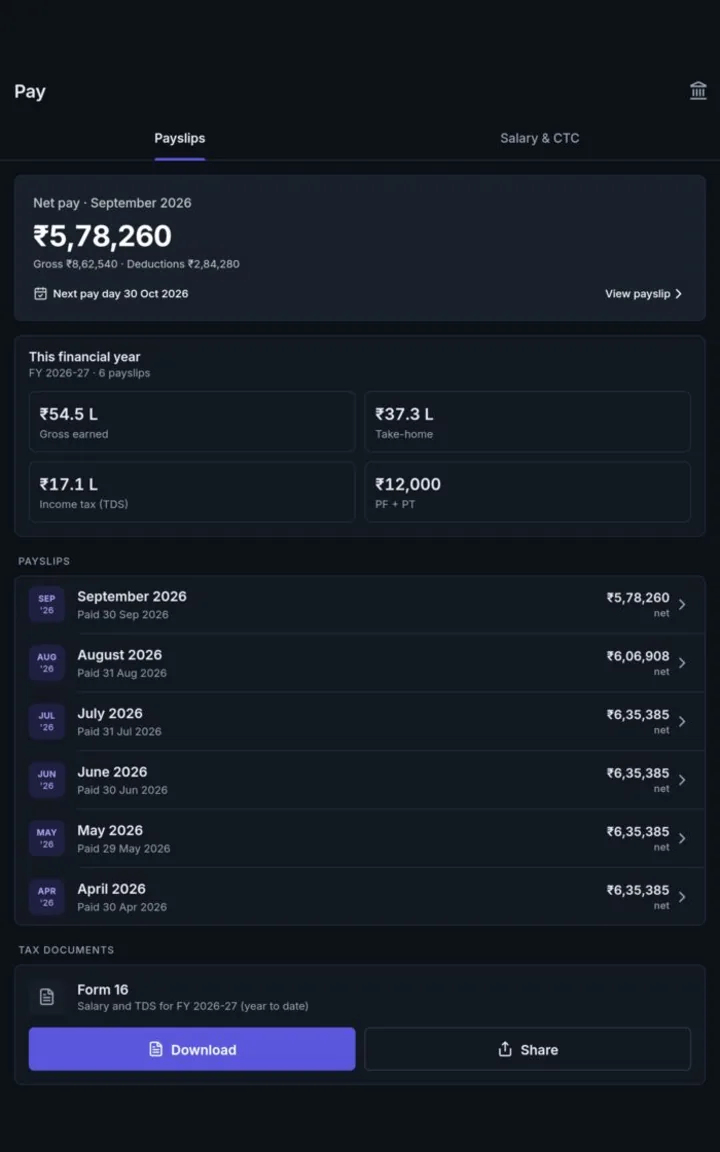
Employees, managers and field teams do their everyday work from the phone: check in, apply for leave, approve requests, download payslips and work in the apps their company uses. The same sign-in, roles and data as the web.
Mobile screens
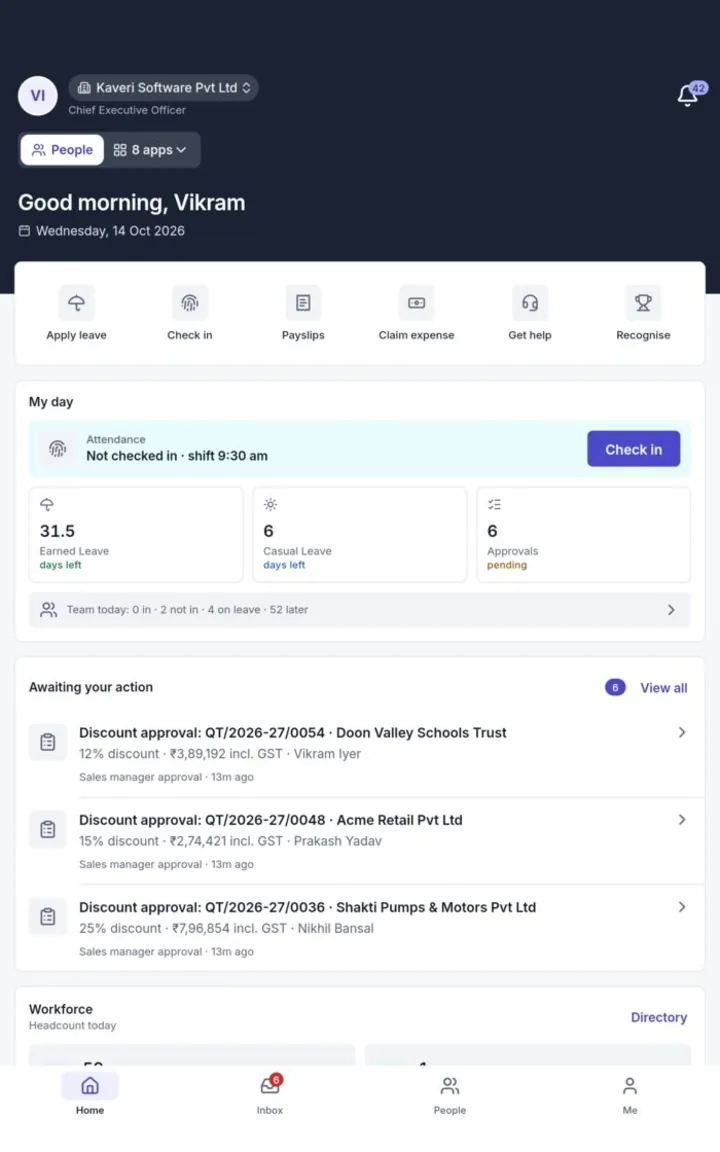
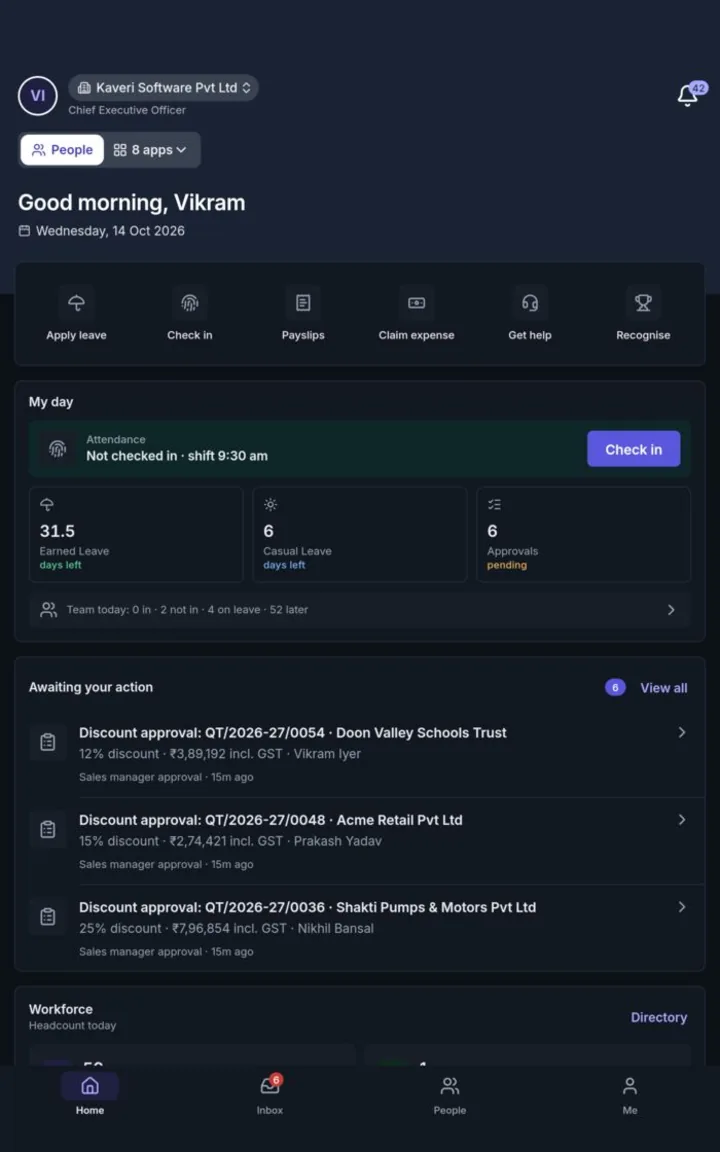
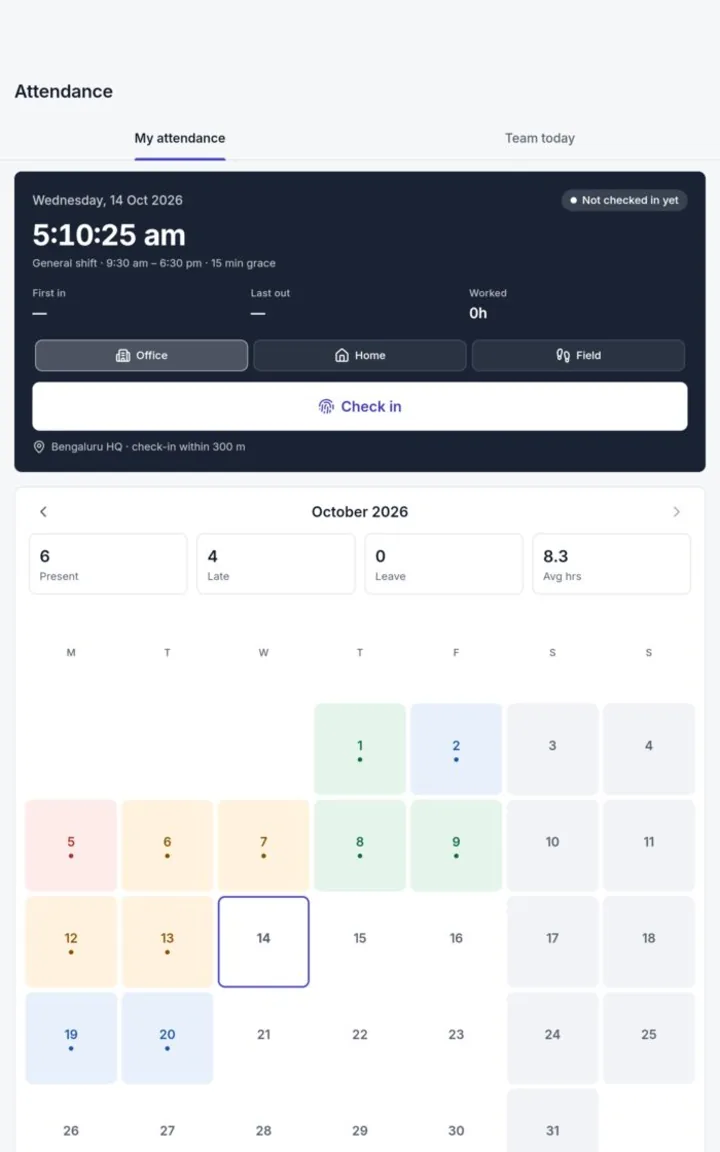
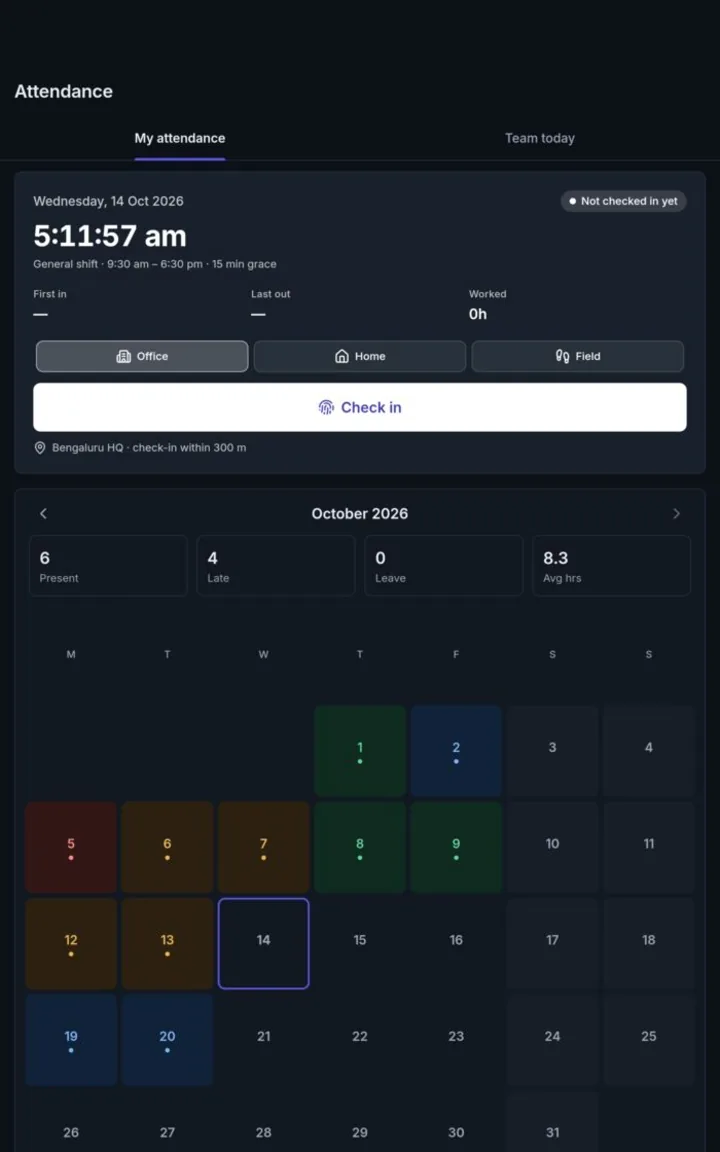
One main app, three focused ones
Most people need only the Thoshika app. Teams that spend the day in chat, at a counter or in a warehouse can use a focused app that opens straight to their work.
Thoshika
The main app. Every app your company has switched on, behind one app switcher: self-service, approvals, attendance, payslips and each app's mobile screens.
Sangam
Chats, channels, meetings and calls. Incoming calls ring like phone calls, and guests can join a meeting with a link.
POS Register
The shop counter on a tablet, with kiosk mode. Cashiers switch with a PIN or badge on a shared device.
Warehouse
Scan-first screens for handheld scanners and phones, working with Zebra DataWedge, other data-intent scanners and keyboard-wedge scanners.
Quick to open, hard to misuse
After the first sign-in, the session is kept in the phone's secure keystore and released only after a fingerprint or face check.
- Passkeys on Android and iOS, against the same account as the web
- Single sign-on through your company's identity provider
- Up to five accounts signed in on one phone, each with its own biometric unlock
- Push notifications open the right company and page
- Shared registers and handhelds: staff switch with a PIN or badge; devices lock when idle
- Five wrong PINs lock that person's PIN sign-in for 15 minutes
Take the whole company with you
The mobile apps come with every plan at no extra cost.